ヘルプ記事

MultiLipiはどの言語をサポートしていますか?

マルチリピ
マルチリピ 6/19/2025
5分 読む
ブログの表紙画像

MultiLipi's neural engine does not just "translate words"; it supports the complex script rendering, directionality, and cultural nuances of over 120+ languages. Whether you are targeting high-volume markets like Spanish and Mandarin, or strategic emerging economies like Vietnamese and Swahili, our infrastructure ensures your site renders perfectly.

View the Full Language Matrix

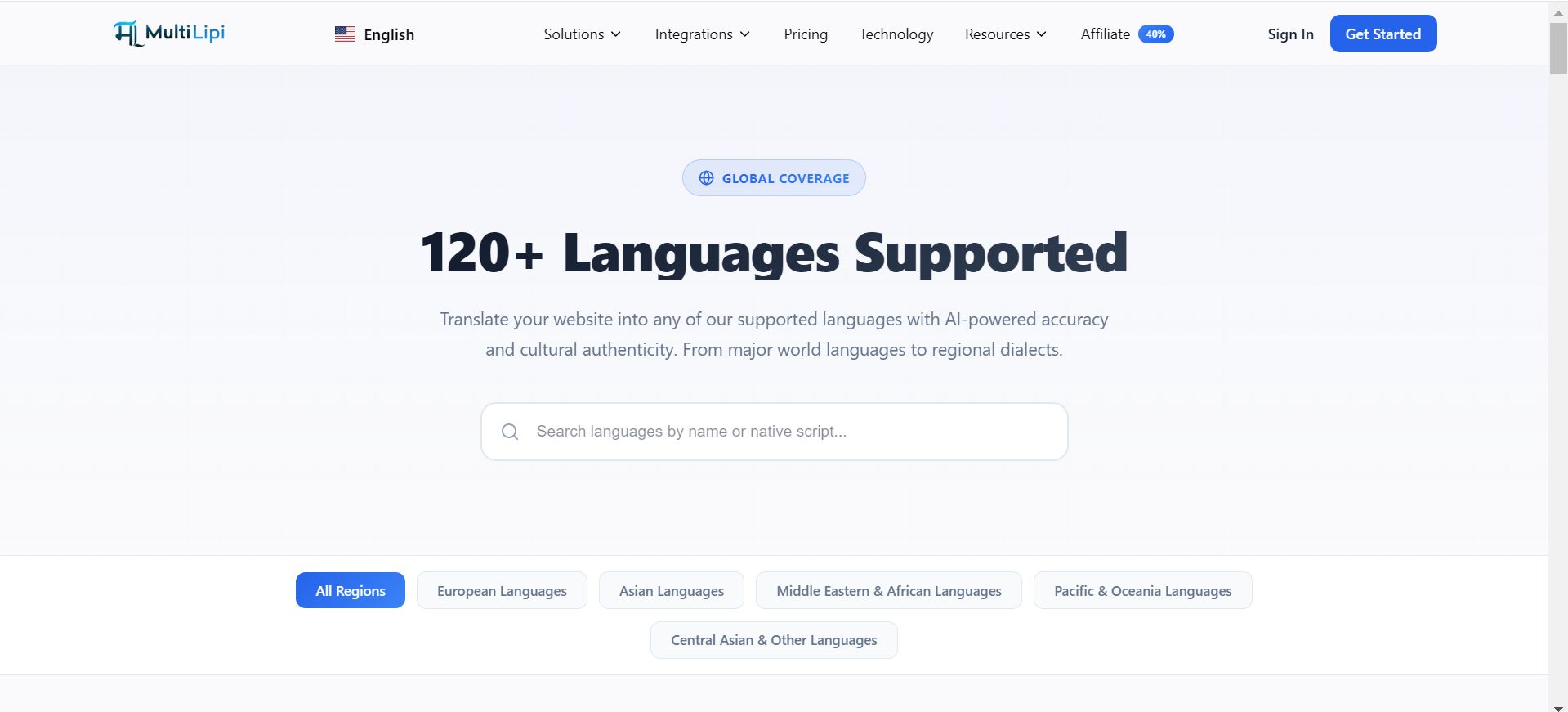
MultiLipi 120+ Languages Supported page showing GLOBAL COVERAGE heading with search bar and regional filter tabs including All Regions, European Languages, Asian Languages, Middle Eastern & African Languages, Pacific & Oceania Languages, and Central Asian & Other Languages

The Global Coverage Matrix

Our infrastructure is categorized to support diverse expansion strategies:

Tier 1 Markets (Global Commerce)

Full neural support for major GDP drivers including English, Spanish, French, German, Mandarin (Simplified & Traditional), and Japanese.

RTL Architectures

Native support for Right-to-Left scripts like Arabic, Hebrew, and Farsi, including automatic CSS mirroring to ensure UI consistency.

地域方言

Distinction between dialects to maximize local SEO relevance (e.g., Portuguese-Brazil vs. Portuguese-Portugal).

Emerging Markets

Support for high-growth regions via languages like Indonesian, Turkish, Polish, and Hindi.

Technical Rendering Capabilities

Adding a language is a technical event. Our system handles the complexities automatically:

Script Rendering

We serve the correct Unicode characters for complex scripts (e.g., Thai, Devanagari) to prevent "tofu" boxes or garbled text.

タイポグラフィ制御

You can assign specific font families to specific languages (e.g., assigning a specialized Naskh font for Arabic) to ensure legibility.

SEO ISO Codes

We automatically assign the correct ISO 639-1 codes for hreflang tags, ensuring Google understands exactly which region you are targeting.

Managing Your Active Stack

You can provision or decommission languages instantly from your Command Center.

  1. 1. Navigate

    行って Settings > Languages.

  2. 2. Add

    クリック 言語を追加 and search our database.

  3. 3. Remove

    コマンドの Delete Icon (🗑️) to decommission a market.

Custom & Niche Requirements

Do not see a specific dialect or niche language you require?

Our infrastructure is constantly evolving. If you need a specific locale not currently listed, please contact our engineering team at support@multilipi.com . We frequently add new language pairs based on enterprise partner requests.

この記事は役に立ちましたか?

この記事では

共有

グローバル展開の準備はできていますか?

MultiLipiがあなたのコンテンツ戦略をどのように変革し、AI搭載の多言語最適化で世界中のオーディエンスにリーチできるかについて話しましょう。

フォームにご記入いただければ、24時間以内にチームがご連絡いたします。